Apprentice onboarding
- An administrator creates an apprentice and assigns a company.
- The plugin creates a WordPress user with the provq_apprentice role and saves the related metadata.
- A password-reveal token is issued.
- The apprentice receives a welcome email containing the reveal link, not a plaintext password.
- The apprentice opens the link and confirms their username.
- The password is revealed, subject to the token's use limit and expiry.
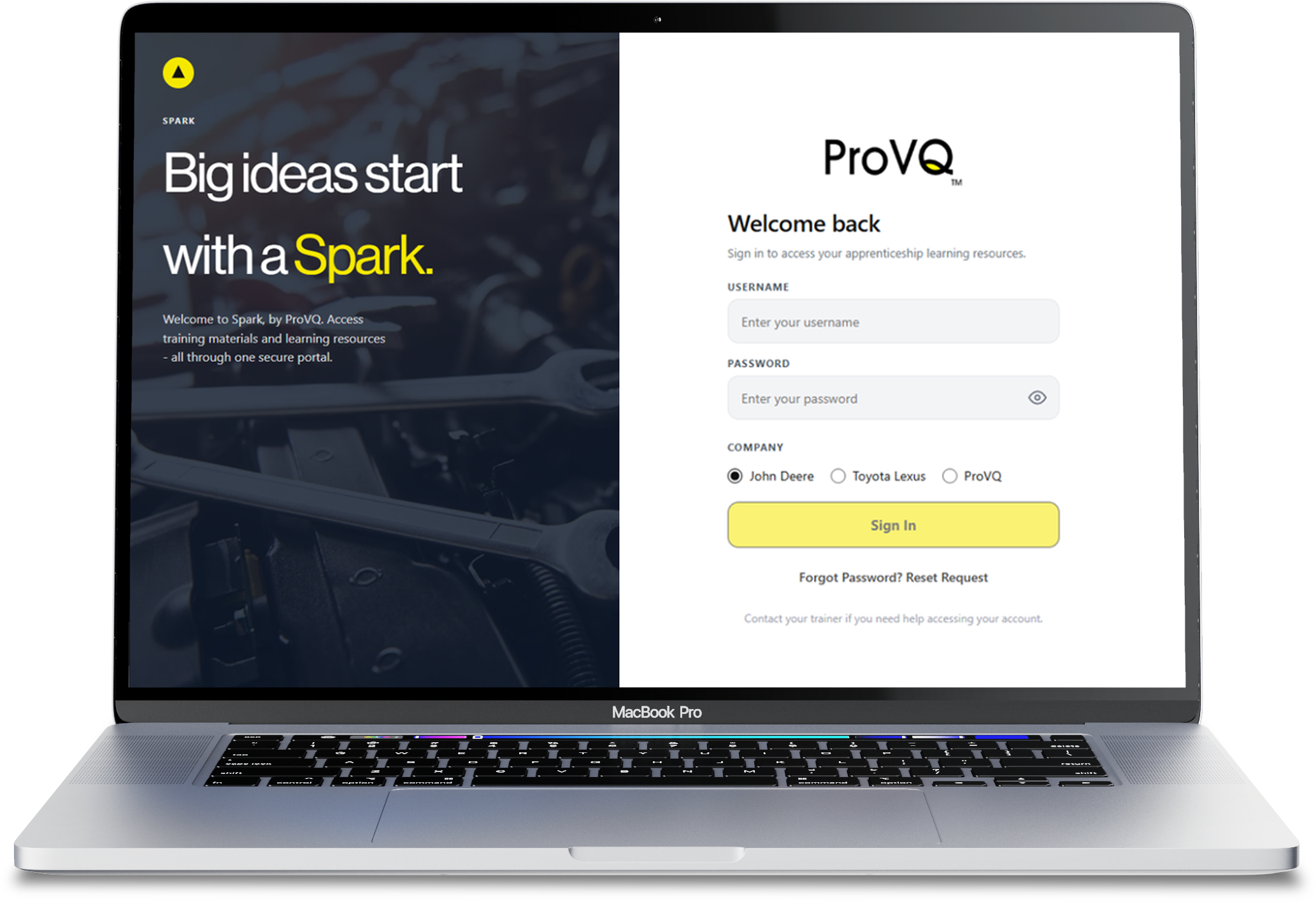
- The apprentice signs in through the branded login page.
The reveal token is 64 hexadecimal characters, can be used at most three times, and expires after 30 days.
Login
- The custom login form submits to the login page.
- The login handler checks rate limits.
- Inactive accounts and trainer accounts are rejected by authentication filters.
- Successful apprentice login updates the last-login timestamp and fires the login audit action.
- The apprentice is redirected to the portal.
- Apprentices who try to access wp-admin are redirected to the frontend portal.
Documented rate limits:
- Five attempts per username-and-IP bucket.
- Fifteen attempts per IP bucket.
- Fifteen-minute lockout.
These values are filterable.
Resource access
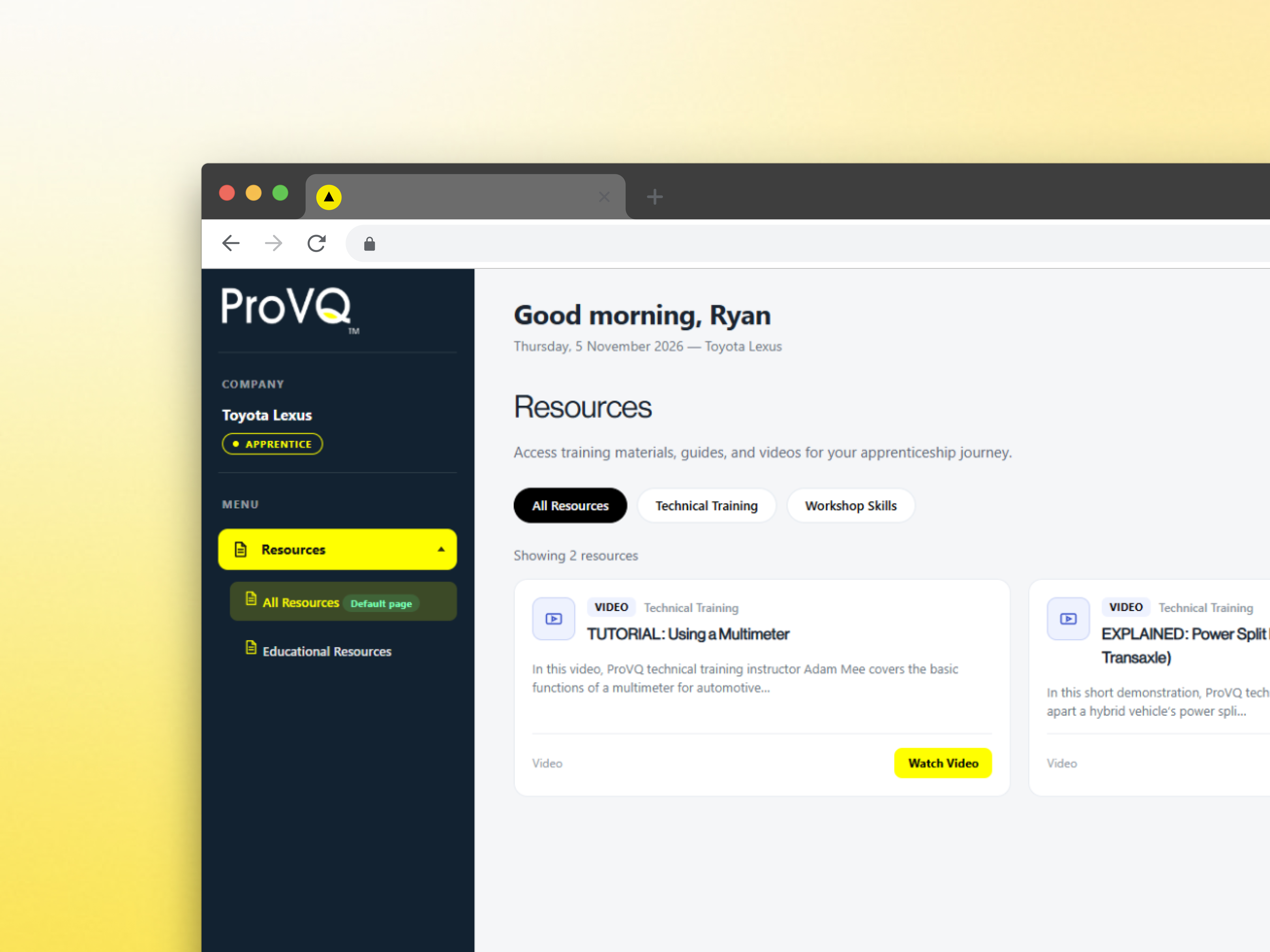
When an apprentice requests a document, image, video playlist, or video segment, the relevant handler checks authorization.
Access is allowed to an administrator or an active user whose company is assigned to the resource. Unauthorized requests receive a 403 response or are redirected to login, depending on the handler.
Resource-open events update the apprentice's progress data.
Password reset
Apprentices submit a password-reset request through the login page or profile. An administrator reviews the request and can accept it. On acceptance, a new password is issued through a fresh password-reveal link.





 Free Consultation, Design & Project Scope Before You Commit
 Bug Free Delivery
 Free PM Tool To Manage Your Project
 Dedicated Team Of Expert Engineers
 Free Technical Project Manager
 NDA Signed And Respected
 Weekly Meeting To Stay Aligned
 Available In Client’s Time Zone
 30 Days Free Support Post Delivery
 100% Ownership Of Your Code & Assets